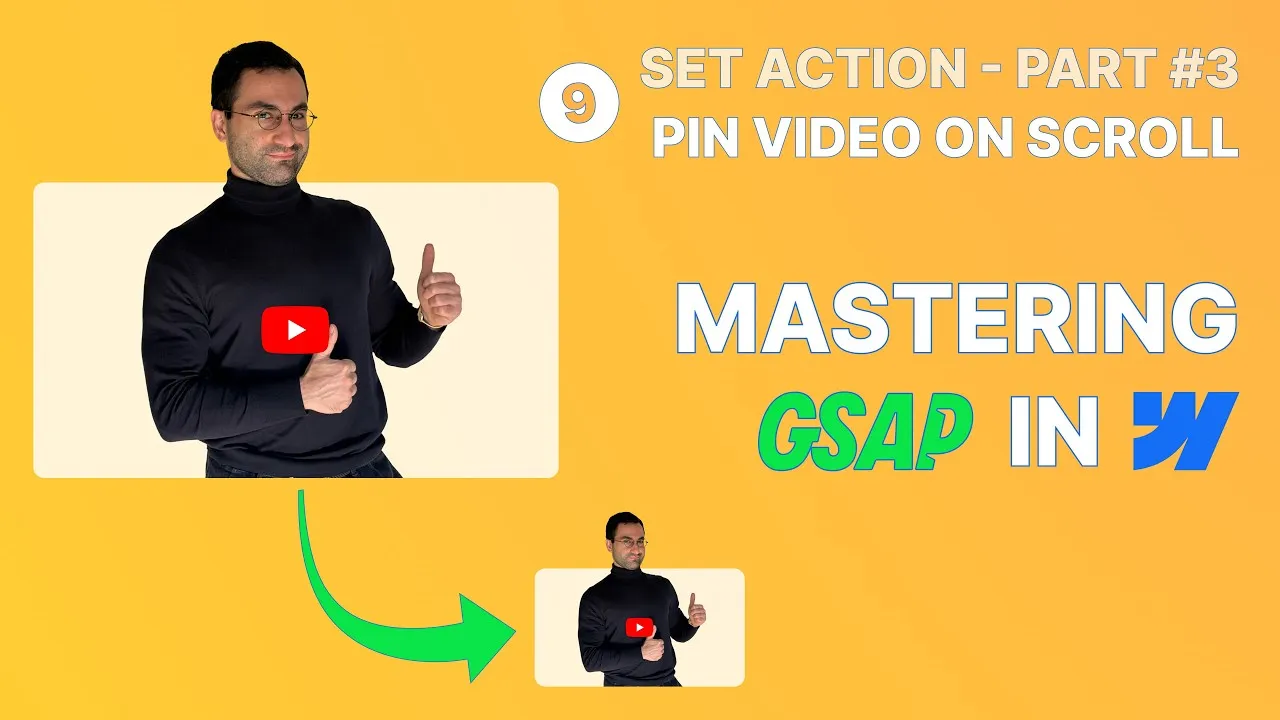
Here’s a small interaction that makes long-form content far more engaging: a video that follows the reader as they scroll, smoothly shrinking into the bottom-right corner like a picture-in-picture player. We’ll build it with Webflow’s GSAP scroll interactions, sticky positioning, a bit of calc, and one clever Webflow variable that keeps the whole thing clean.
The interesting part isn’t the effect — it’s the technique behind it: driving three separate transforms with a single animated variable, and compensating for the layout quirks that sticky positioning introduces. Nail those and this pattern becomes reusable anywhere.
How it works
It’s a discrete scroll trigger, not a scrub. We don’t want the video’s shape tied continuously to scroll position; we want it to change state once, when it crosses a threshold. So the scroll interaction on the video wrapper uses trigger actions (not scrub on scroll), with leave → play (fire when the wrapper starts leaving the viewport) and enter back → reverse (undo when it fully re-enters). The thresholds are set so the change happens when the top of the wrapper reaches the top of the viewport (end threshold: top/top).
Sticky is three properties, so make it a class. Making the video stick isn’t just position: sticky — it also needs a top offset (0) and a high z-index (100) so it stays above the content it scrolls over. Because these must change together, bundle them into a combo class (is-sticky) and flip it with a set action. (Keep a copy of the wrapper with that class in your style guide so Webflow doesn’t prune it.)
One variable drives three transforms. The final resting transform is a translateX, a translateY, and a scale(0.4), all written as calc expressions in a custom transform property (the style panel’s transform controls can’t take calc), with transform-origin: top right so it shrinks toward the corner. The horizontal position is calc(50vw - 50% - 2rem) (push to center of viewport, pull back half its own width, then the page padding); the vertical is calc(100vh - 40% - 2rem). Animating three separate variables with calc is fragile, so instead we create one number variable (transform-factor, 0 → 1) and multiply each formula by it: translateX((…) * factor), translateY((…) * factor), and — the neat trick — scale(calc(1 - 0.6 * factor)) so scale eases from 1 (factor 0) to 0.4 (factor 1). A single animate variable action from 0 to 1 runs all three.
Compensating for the sticky shift. A translateY alongside position: sticky throws the final layout too low. The fix is a bottom margin on the wrapper equal to its scaled height — calc(100vh - 768px * 0.5625 - 2rem), where 768px is the desktop wrapper width and 0.5625 is the 16:9 height ratio — then a negative top margin on the element below to cancel the gap it opens. (Margin percentages reference parent width, and the margin resolves before the scale, which is why the pixel form is used.) Finally, this effect makes no sense on small screens or for users who dislike motion, so conditional playback disables it from tablet down and when prefers-reduced-motion is set.
How to use it
-
Set up the wrapper. Video in a wrapper with a max width,
margin-inline: auto,aspect-ratio: 16/9, andtransform-origin: top right. Create a combo classis-stickywithposition: sticky,top: 0,z-index: 100(keep a copy in the style guide). -
Add the transform variable. Create a number variable
transform-factor(default 0). In the wrapper’s customtransformproperty, writetranslateX((50vw - 50% - 2rem) * factor) translateY((100vh - 40% - 2rem) * factor) scale(calc(1 - 0.6 * factor)). -
Build the scroll interaction. On the wrapper: scroll interaction, trigger actions, leave → play, enter back → reverse, end threshold top/top. Add a set action toggling the
is-stickyclass at 0s, and an animate variable action takingtransform-factorfrom 0 → 1 (e.g. 0.3s, sine in-out). -
Compensate the layout. Add the bottom margin
calc(100vh - 768px * 0.5625 - 2rem)to the wrapper, and a matching negative top margin on the next element. -
Guard it. In conditional playback, set no animation for tablet-and-down breakpoints and for prefers-reduced-motion. Publish and test on the live link.