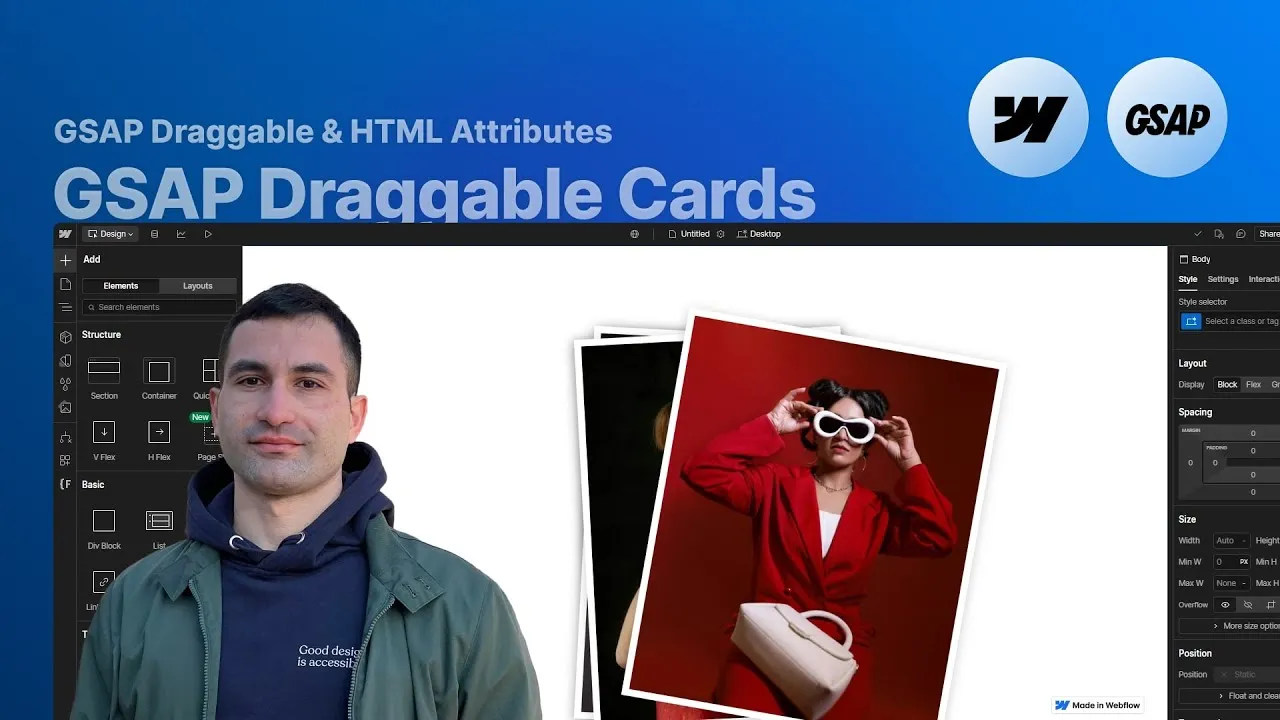
Build a stack of draggable cards in Webflow that visitors can grab, tilt, and toss off-screen — left or right, like flicking through a pile of instant photos. It’s one of the most satisfying interactions I’ve ever put together, and on your end it’s entirely no-code: GSAP’s Draggable plugin does the heavy lifting, while you drive everything from Webflow’s settings panel with a handful of custom attributes.
The best part is how portable it is. The exact same structure works whether your cards are static or pulled from a CMS collection, so you can drop it into a portfolio, a product showcase, or anywhere you want people to physically play with your content. And because every detail — throw distance, spin, easing — ships with a sensible default, you can publish it as-is and fine-tune later, only if you want to.
How it works
The whole thing is attribute-driven. A single, fully commented script lives in an embed inside a “draggable card script” component. On load (and again on reset) it grabs every element marked fc-draggable-card="wrapper", looks inside for cards marked fc-draggable-card="component", then takes the top card, adds a little hover hint, and initializes its drag behavior. Because the logic reads from attributes, you never open the code — you build the structure in Webflow and label the pieces.
A few structural CSS decisions make it feel right. The section gets overflow: hidden, because a card thrown off-screen technically leaves the section’s bounds — without clipping that, you’d get an ugly horizontal scrollbar or cards poking out of the layout. The card container is position: absolute with all offsets at zero, so it fills its parent; that’s why the parent (the outer wrapper) needs position: relative for it to latch onto. The list wrapper is set to pointer-events: none and each card back to pointer-events: auto — a deliberate pairing, so that once every card has been tossed away, your clicks pass through to the reset button sitting beneath the stack. The playful tilt comes from combo classes (odd cards lean one way, even the other) with the top card left dead center.
The tuning lives in optional attributes on each card: rotation sensitivity, reset duration, throw duration and distance, throw rotation, the drag threshold, the delay before the next card arms, and the GSAP easing. None are required — each one falls back to a sensible default — so you can start with the bare minimum and reach for the configuration reference above only when you want tighter control.
Going to a CMS version changes almost nothing. You swap the static cards for a Collection List and put the same fc-draggable-card attributes on the wrapper, the reset button, and each Collection Item. The one wrinkle: you can’t add manual combo classes like “odd” and “even” inside a Collection List, so instead you use Webflow’s structure selectors — style the last item with no tilt (that’s your top card), even items at one angle, odd items at the other. Two independent stacks on the same page work fine and reset independently.
How to use it
-
Clone the project. Grab the Webflow cloneable — it includes the full structure, the styling, and the commented
draggable card scriptcomponent. The code is documented at the bottom of the cloned page, with every attribute and its default. -
Set up the drag zone. On the outer wrapper that will hold your cards, add
position: relative, a height (the demo uses80vh), and the attributefc-draggable-card="wrapper". Give the section around itoverflow: hiddenso thrown cards don’t create a scrollbar. -
Layer the stack. Inside the wrapper, place an absolutely-positioned list wrapper (all offsets
0,pointer-events: none) and, inside it, your cards. Each card isposition: absolute,pointer-events: auto, and carriesfc-draggable-card="component". Add odd/even combo classes for the tilt, leaving the top card centered. -
Add the reset button. Drop a real
<button>element (change the tag in the settings panel) with the attributefc-draggable-card="reset". This is what brings the whole deck back. -
Activate GSAP + Draggable. As with any GSAP project in Webflow, load GSAP and register the Draggable plugin so the script has what it needs.
-
Configure the feel (optional). Want a longer throw, a snappier reset, or a different easing? Add any of the
fc-draggable-card-*attributes from the configuration reference above to a card — see the GSAP easing reference for theeasevalues. Leave them off and the defaults handle it. -
Go CMS if you need it. To power the cards from a collection, rebuild the same structure with a Collection List, keep the identical attributes, and use structure selectors (last, odd, even) in place of manual combo classes for the tilt.